
Teacher Guide
MySDH enables teachers to communicate learning experiences with parents through simple and meaningful updates.

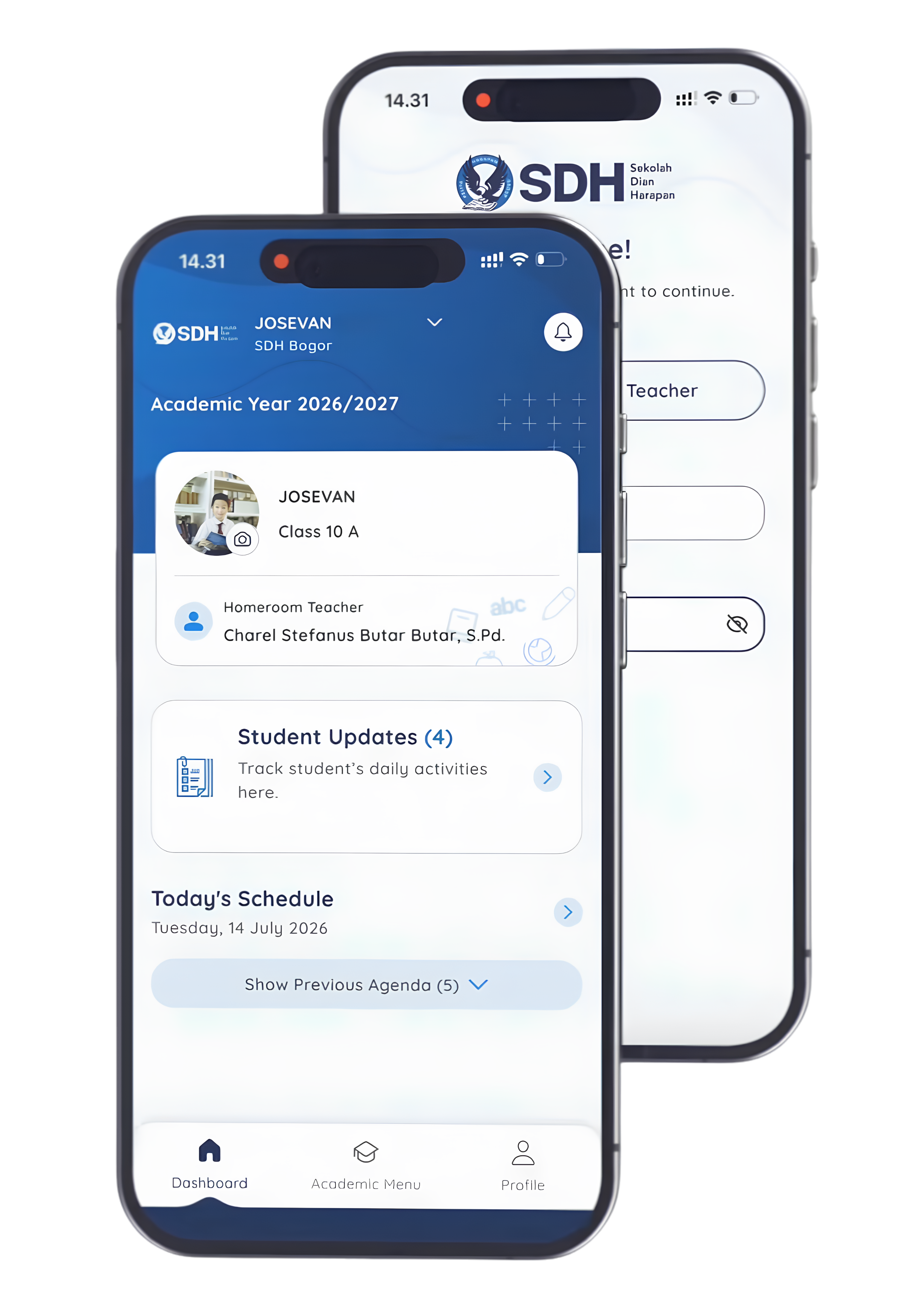
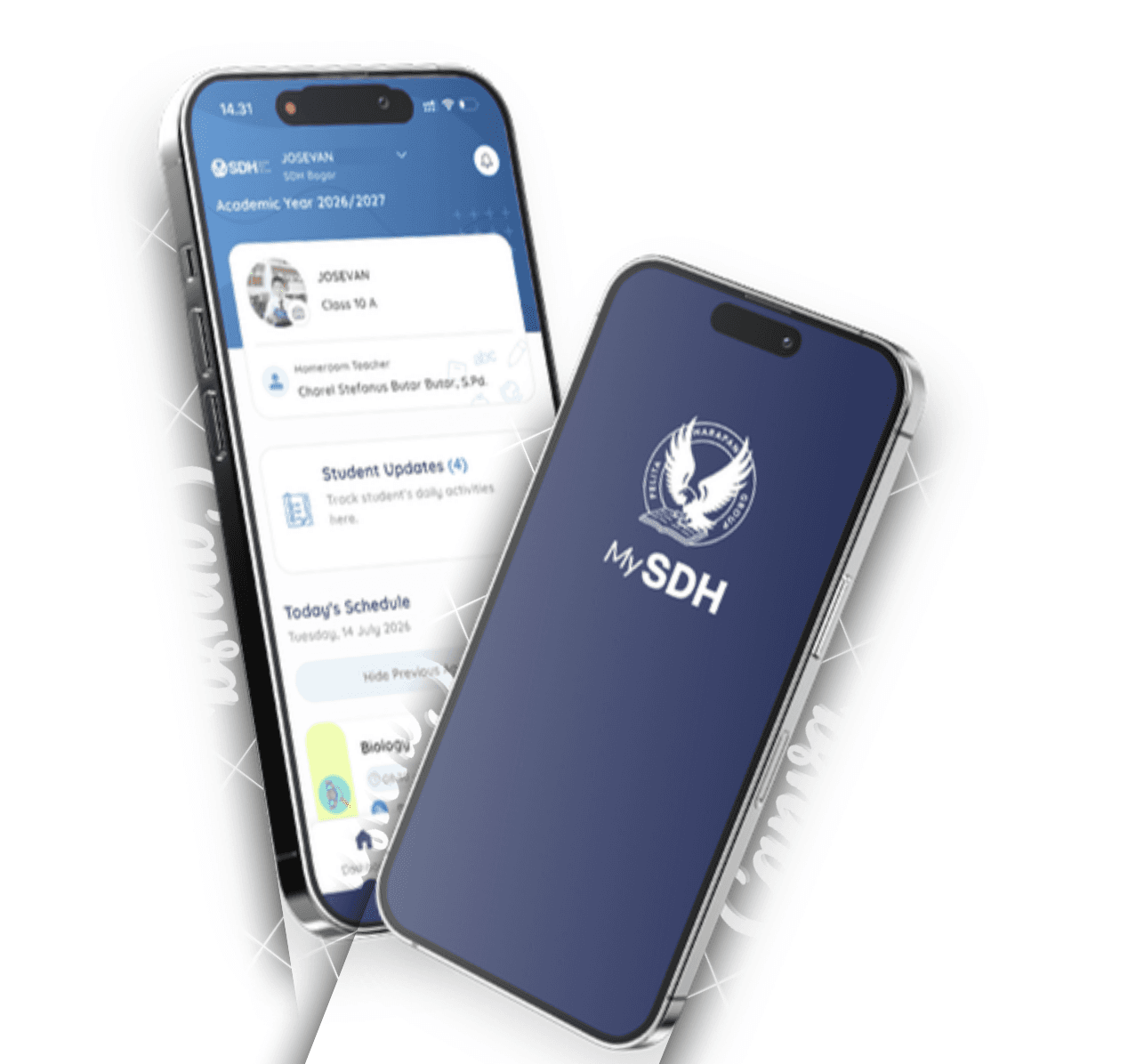

Download MySDH today and stay informed about your child's learning journey, classroom activities, and important school updates—all in one place.
Compatible with Android and iOS


Frequently Asked Questions
Sign in using your Microsoft 365 school account. Select Sign in with Microsoft 365 and enter your school email address and password.
Open the Agenda feature, create a new agenda item, add the activity title, date, time, description, and any necessary information, then publish it for parents.
Yes. You can update Agenda information whenever necessary. Parents will always see the latest published version.
Open Student Update, upload one or more photos, write a short description highlighting the learning activity, then publish the post.
Share photos that highlight meaningful learning experiences, classroom engagement, projects, experiments, performances, or other educational activities. Always follow your school's student privacy guidelines.
This may happen if: 1. The post has not been published. 2. The class has not been assigned correctly. 3. The student's parent account has not been linked. 4. There is a temporary synchronization delay. If the issue persists, contact your school's administrator.
Contact your school's IT support or administrator. If requested, provide screenshots and a description of the issue to help resolve it more quickly.